
The "Quality" Update
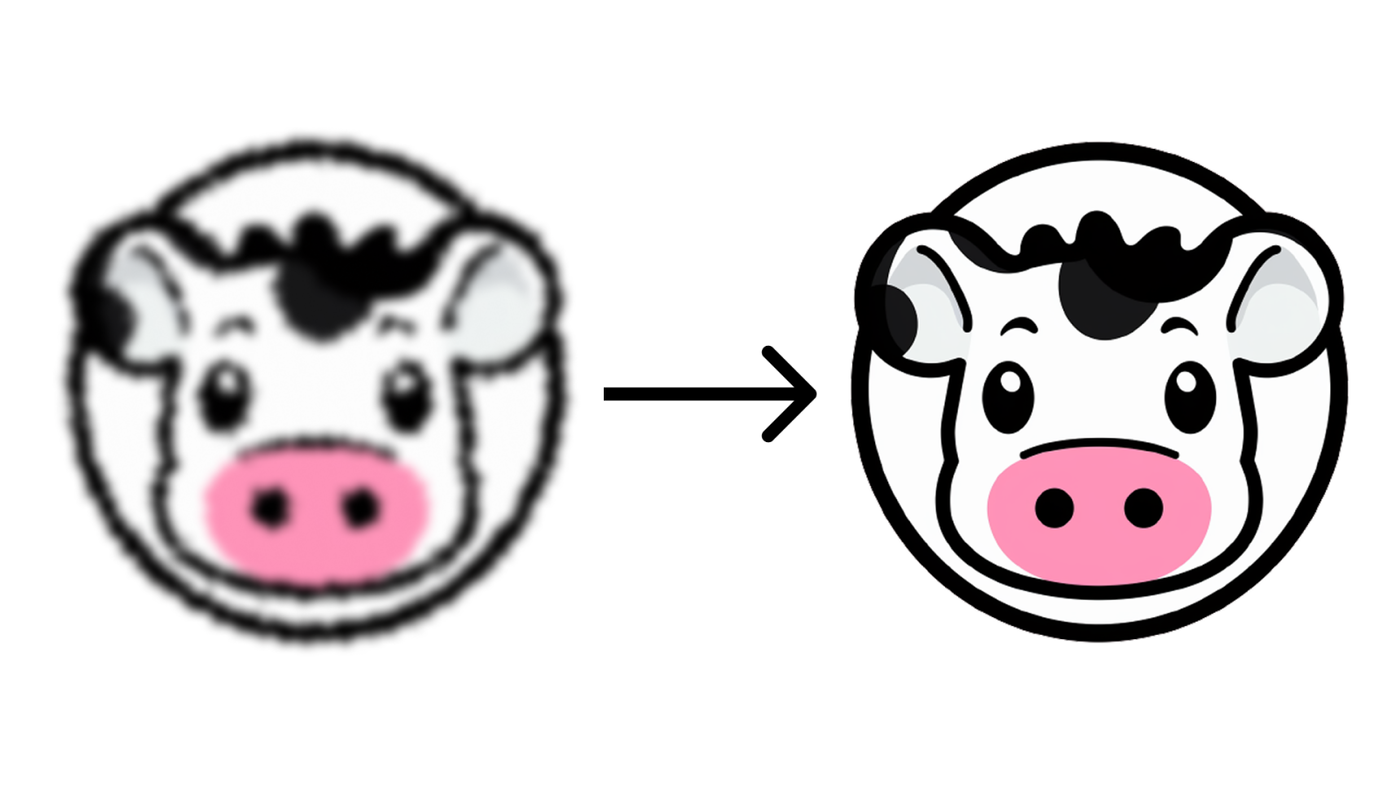
Images displayed on mood.site get a major upgrade in quality across the board!
Hello all! It's been a minute since the last update! Mood keeps on trucking along, and over the last few months I've mostly been trying to clean house instead of work on any specific features.
As part of this work, I have been looking at a lot of boards and wondering... couldn't we make everything uploaded just look... better? I had done a lot of work around the speed update to make sure we served optimized versions of images so that pages were fast, but the tradeoff here was actual served image quality.
I did my best at the same to try to pick some settings for optimizations that looked (to me) pretty good, but over time it became clear that I was too aggressive with optimization here, and some types of images (especially photos) were heavily affected by the optimization and came out looking muddy.
If you had/have a premium board/pro account, you can set the "minimum image quality" for a board to raise the floor of what will be displayed, but even with this cranked all the way up it could still leave much to be desired. Additionally, I wanted everyone to have a good experience by default, which wasn't totally happening.
So I went back to the drawing board here to think about what to do.
This time, I took a bit more of a scientific approach. There's a library, SSIMULACRA 2, that acts as a benchmark for perceptual image quality. Instead of me just eyeballing results, I was able to run this at scale across a lot of images on mood, and compare that directly with my previous optimization attempts. A large part of this effort was also a lot of work to migrate the service that optimizes all the images to be a new thing that I manage on Cloudflare instead of using the transform service my backed (Supabase) provides. On Supabase, I couldn't really do much in terms of getting fine-grained control over optimization, but now that I'm on my own service I was able to aggressively optimize for exactly what I wanted.
Using SS2, I was able to figure out that the previous median optimization results for image on mood scored around a 50. It was a little lower for smaller image variants, and a little higher for bigger images (~53). This is not great, so I looked into what I could do.
Turns out, I had overindexed size consideration, and also over-optimized images that didn't need to be processed. Image optimization is a tradeoff/negotation between three seperate things: image size, image quality, and encoding time. I wasn't really able to control those three individually with Supabase (mostly everything boiled down to a basic "quality" setting), but running my own infra meant I could start testing and evaluating things (like "effort" for work for optimiztion) that was previously off limits.
So I tried a lot of different permutations of things — effort parameters, quality settings, actual container cpu/memory speeds, etc. I wanted to find the BEST balance of between perceptual quality for images and page load speed.
So prior, we were at 50. Using SSIMULACRA 2 and iterating above, I was able to get perceptual quality to... 90!.
90!
That's nearly DOUBLE the quality of the current images you have seen on your boards, and at only a small size cost to pay. Board should load at basically the same speed, and some may even be faster (also discoverd some bugs in this process). At 90, most images should look relatively indistinguishable from your original uploads.
Now, it's worth noting how this works. For Pro users, I've gone ahead and proactively upgraded all your images on all your boards. So any Pro user should see the change immediately. For non-pro users, you'll need to view your board to start the process (the updating is "lazy"). The process is pretty quick in general — even on boards with 100s of images it should only take a minute or so. So if you load a board, refresh your page a minute or so later (or look at the board later), everything will be upgraded. Any new uploaded images get this all by default .
Additionally, I've done a few new things:
For people that subscribe to Pro or have premium boards, you may already know that you can set in a "minimum image quality" setting. This lets you set the floor of quality you're willing to tolerate for a board, and can force higher resolution images by default instead of falling back to slightly lower quality images on smaller screens.
As part of this upgrade, I've added a new setting, and adjusted another. The new setting, "Full", allows you to have a high quality image, but still only slightly compressed. "Original" is now as high resolution as possible, and barely compressed. We can't serve the real original back (downloading 5 gigs of files on page load is bad!), but we can get close enough thanks to modern lossless compression techniques! As a reminder, clicking download on an image will let you download the actional original.
So best part of all of this (and tldr): everyone gets higher quality images, automatically. Enjoy!
Also, if you run into issues, please reach out through the support form! I believe I covered all my bases here to make sure everything went as smoothly as possible, so if you see some weird behavior please let me know!
Till next time!
Kyle