
Adding User-Suggested Features #1
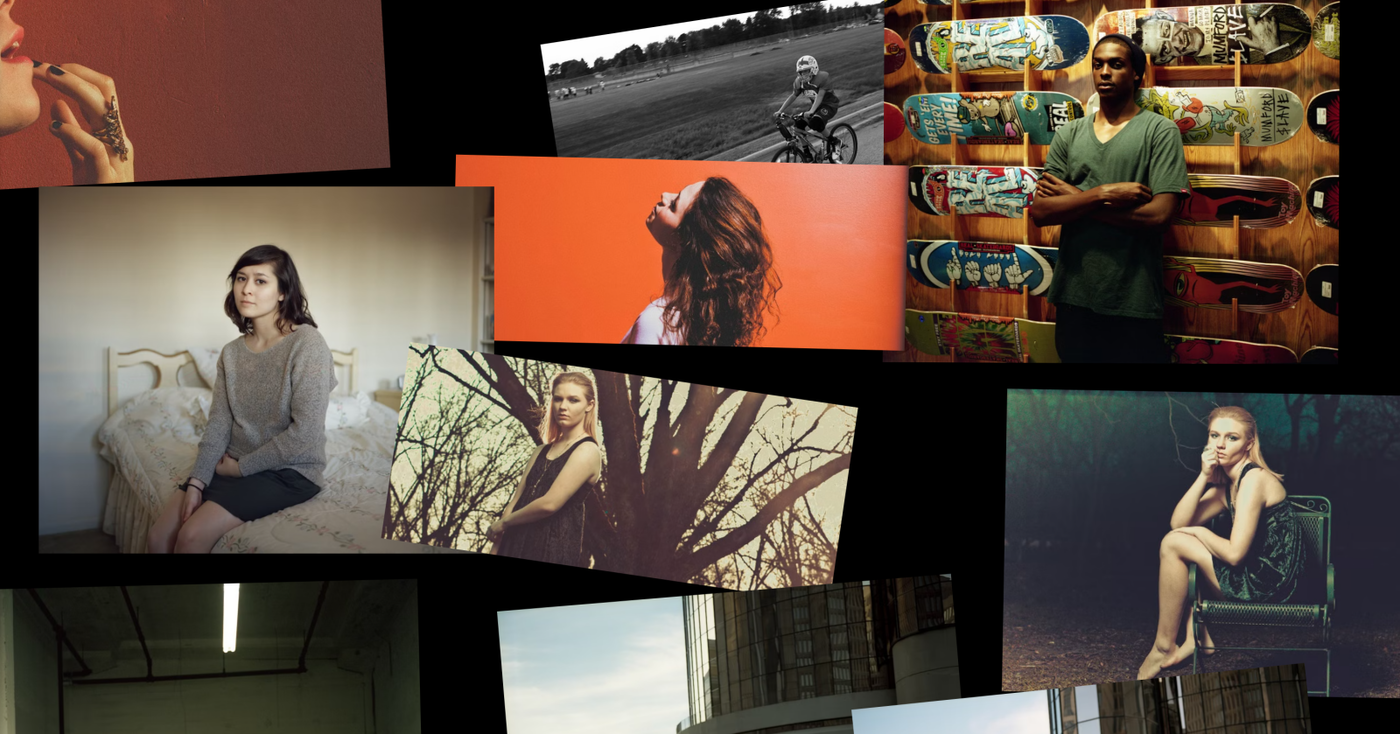
mood.site gets some fresh features thanks to user feedback, and I'm previewing a BIG NEW FEATURE.
Hello! Long time no talk!
I'm still working on the other project I mentioned near the end of last year, which has been absorbing a lot of my time. That said, I'm still very invested in mood, and just did a giant pass recently of finally answering all the support emails I got from everyone (thanks for sending them in! Sorry for the delay!)
As part of that work, some of you all identified some nice low-hanging fruit features that would be nice for mood to have. As a way to dust things off towards the BIG feature release later (more below), I thought I'd add some of the things you all asked for!
New Features
As is usually the case, these are features available only to people that are using premium boards. Free boards remain unchanged.
Minimum Image Quality
Only one or two people specifically asked for this but I think this feature will likely be appreciated by anyone who uses mood to send/host higher-resolution photos meant to be viewed by clients or elsewhere. Right now mood optimizes your images so that the site can be fast to display them, and the chosen optimized image is sent back to you based on your screen size. Small screens get smaller images, bigger screens get bigger images, etc.
However, some people want higher resolution images by default, no matter the screen size. For this, you can now set a "minimum image quality" in board settings. This will still serve potentially even higher quality images on even larger screens, but it basically lets you raise the floor of quality for images so you can serve higher-res by default. If you want as close to original as possible, you can even set the slider to "original", which is a barely compressed version of the original image and has maximum quality for everything.
Image "Wobble"
Someone on reddit asked about the ability to make boards feel a little more "messy" and I was happy to oblige. You can now set a "wobble" setting in boards which makes images randomly rotate in place. This is a nice way to give boards a more collage-y feel.
Sortable Columns in List View
Clicking the headings for the list view columns lets you sort by that column. Note: this doesn't actually change the order of images in the board, just changes how they show in the list.
Allow Public Downloads
You can now enable a setting to allow public downloads of all images in a board. In board settings you can now select "Allow public downloads", which will give public viewers the option, in the bottom left of mood, to download all the images in a board. This downloads image originals as well, so the download quality will be the quality of whatever you initially uploaded!
Bug fixes:
A lot of you identified some wonkiness with paying for boards (usually on mobile), and then going back to the board to find the board didn't appear upgraded. I did a lot of investigation around this, and after pushing some fixes there I think this is resolved. If you encounter anything else like this, please reach out!
FEATURE PREVIEW
Okay, now the big update. Here's a preview:
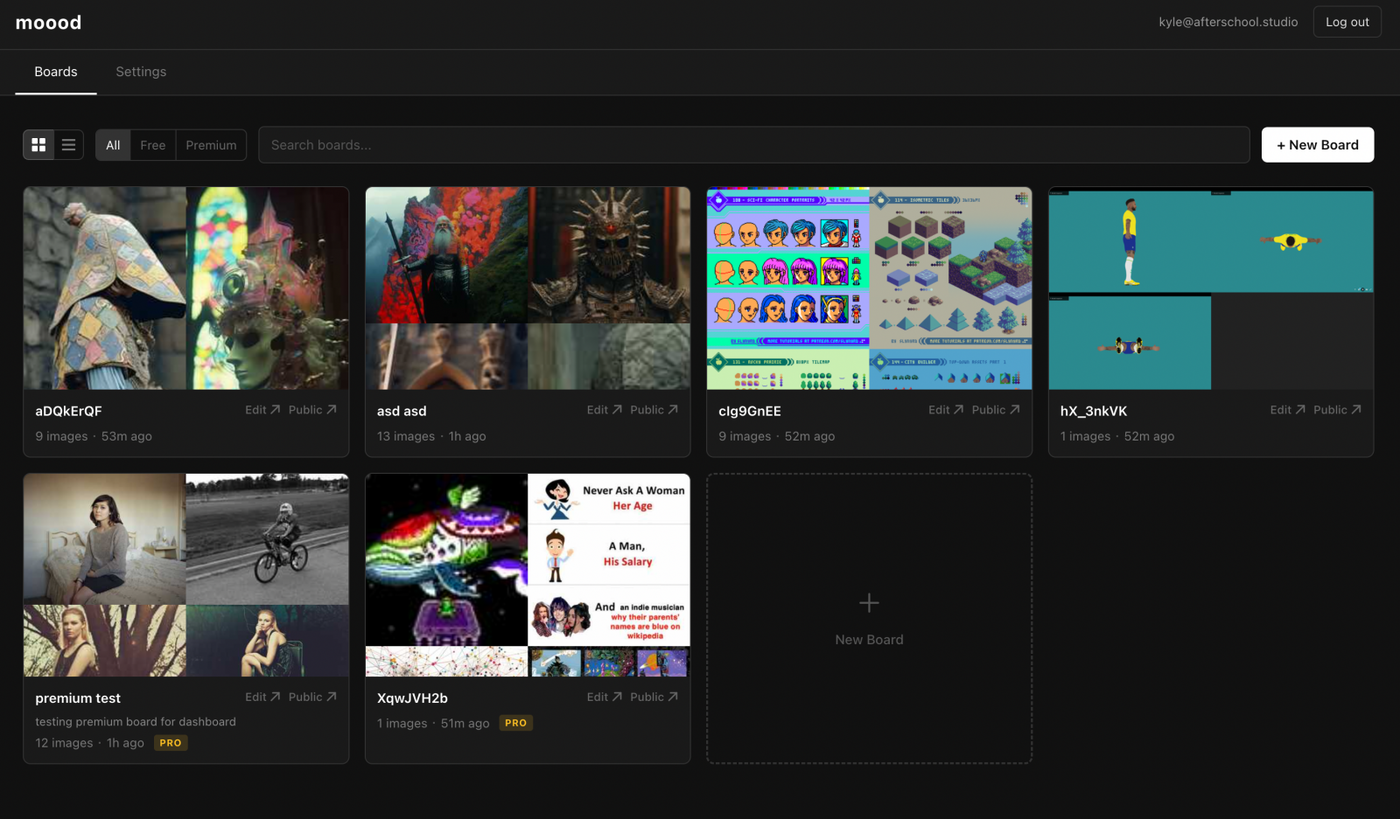
That's right - accounts are coming.
There's a lot to say here, but there are a few things that I want to specifically call out:
- You don't have to use accounts. You can effectively ignore this feature and treat mood the exact same as you've been using it. I'm designing this feature as a complement to mood's current url-centric auth model, not a replacement for it.
- A new subscription type is coming. This will be geared for more pro users who want to create lots of boards with premium features. More details later!
- Accounts are free. You can not pay a single dime to mood, and have the ability to use this feature to see which boards you own.
There's a lot more to share in the future, but just wanted to tease this for now! If you want to be notified when this feature launches, feel free to reach out to me in the contact form, but otherwise keep your eye on your email in the next week or two for when I send out the update announcing it!
Until then, thanks for reading!